Workflow
Onboard the customer once. Reuse the work on every engagement.
In duely, due diligence belongs to the customer: consent, identity, screening and a risk profile, done once. Each engagement starts from that, adds its own risk assessment, and goes to an approver for sign-off: your AML/CTF compliance officer (AMLCO), or a user with the Approver role.
- Stage 1 Onboard the customer
- Stage 2 Open the engagement
- Stage 3 Assess risk
- Stage 4 Approve and conclude
Accounting firms
An engagement is an engagement in duely
New audit engagement for Acme Pty Ltd
Real estate agencies
A sale or purchase is an engagement in duely
Property sale: 42 Smith St, Bondi
Legal and conveyancing
A matter is an engagement in duely
Estate planning: Chen family
Every firm type works in engagements. You choose your firm type once, during setup, and the program template, risk questions and reports follow from it. Before your first customer, you set up your AML/CTF program and appoint your AMLCO.
Onboard the customer
Done once per customer and reused on every later engagement.
Staff and the customer
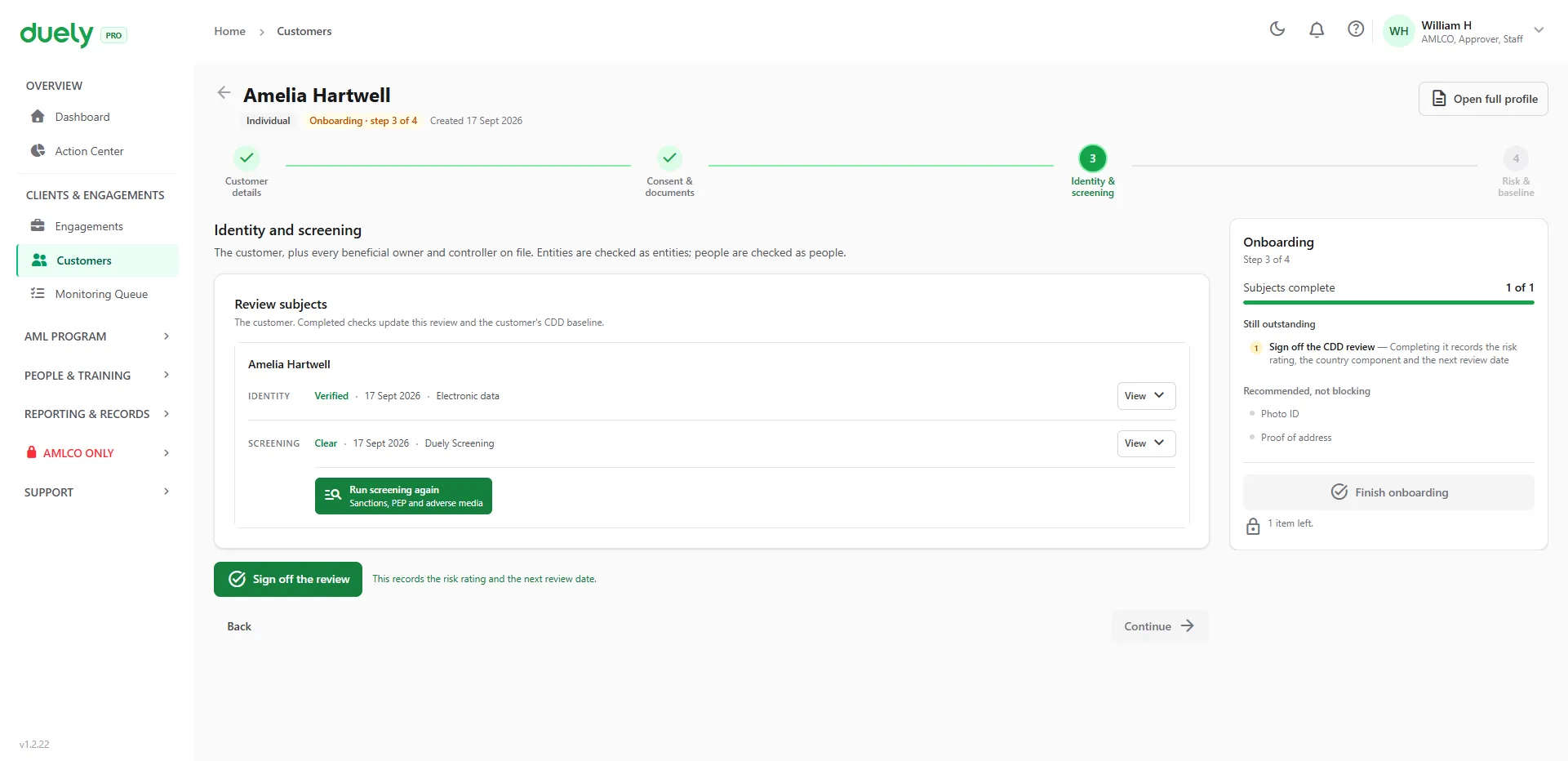
- Add the customer. An individual is emailed a consent form straight away.
- For a company, trust, SMSF or partnership, record who owns and controls it. duely works out who must be checked: anyone with 25% or more, and anyone with a control role.
- Each person signs consent and verifies from their own phone with an ID document and a selfie. Staff can also record a manual check. Australian documents can optionally be checked against the Document Verification Service (DVS).
- Each person is screened against sanctions lists, politically exposed person (PEP) lists and adverse media. A false positive is dismissed with a written reason. A confirmed match goes to an approver.
- Sign-off records the customer's risk profile and the date their next review is due.
Kept on record
Signed consent · Identity method, result and reference · Screening outcomes and decisions · Ownership and control structure · Risk profile (the customer baseline)
Sample data. See the full walkthrough
Open the engagement
The unit of work. duely calls it an engagement, a transaction or a matter, depending on your firm type.
Staff
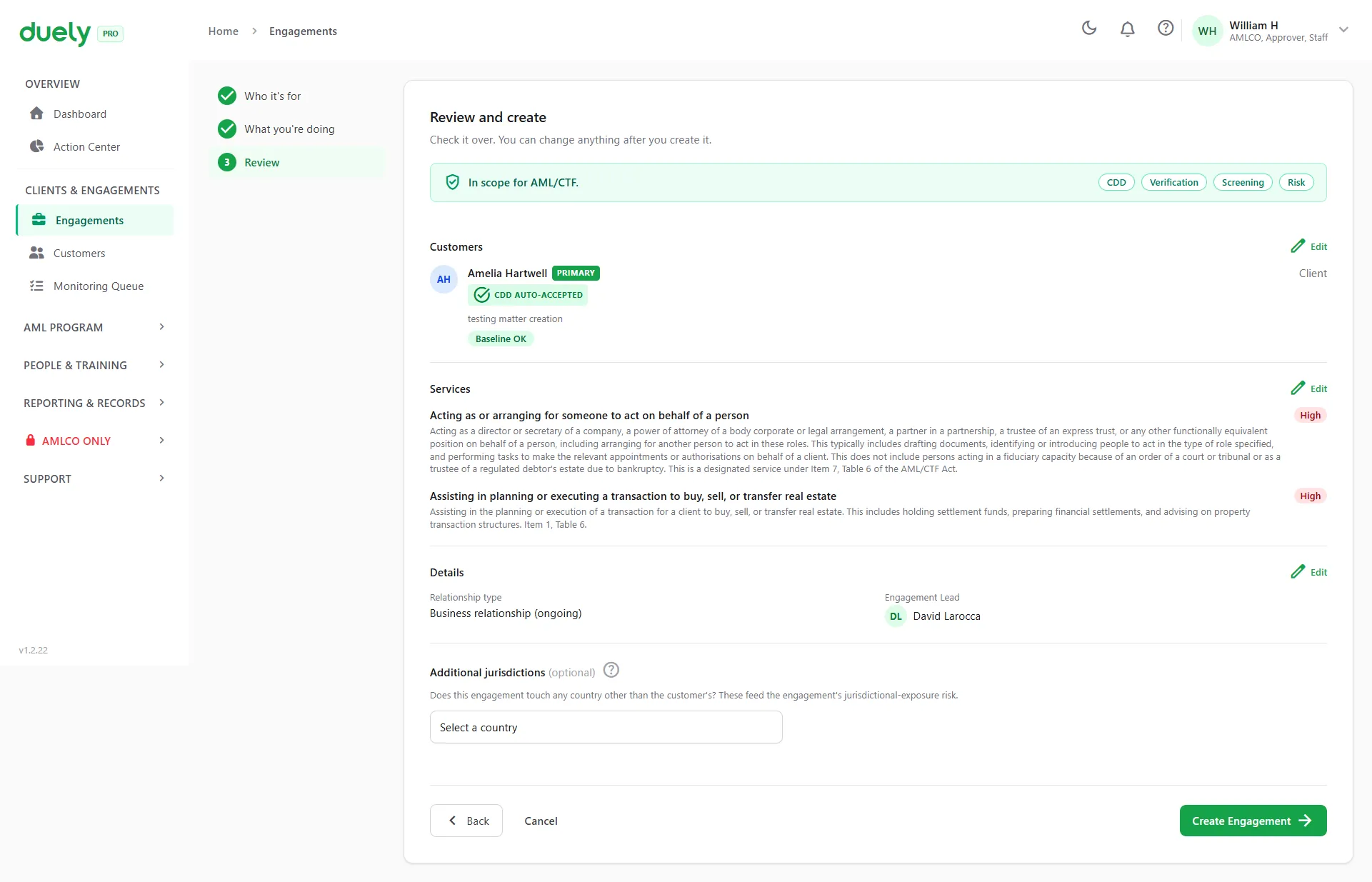
- Add the customers involved and the role each one plays.
- Choose the services. An engagement can carry several, designated or not, and it is in scope if any one is designated. The options come from your AML/CTF program.
- Each customer's existing due diligence is attached automatically. Staff can opt a customer out and redo it.
Kept on record
Customers and roles · Services and scoping decision · The due diligence version relied on
Sample data. See the full walkthrough
Assess risk
Answer AUSTRAC's questions. duely returns the rating and shows what drove it.
Staff
- Answer the AUSTRAC starter kit questions for the engagement and for each customer. An engagement with no designated service skips this stage.
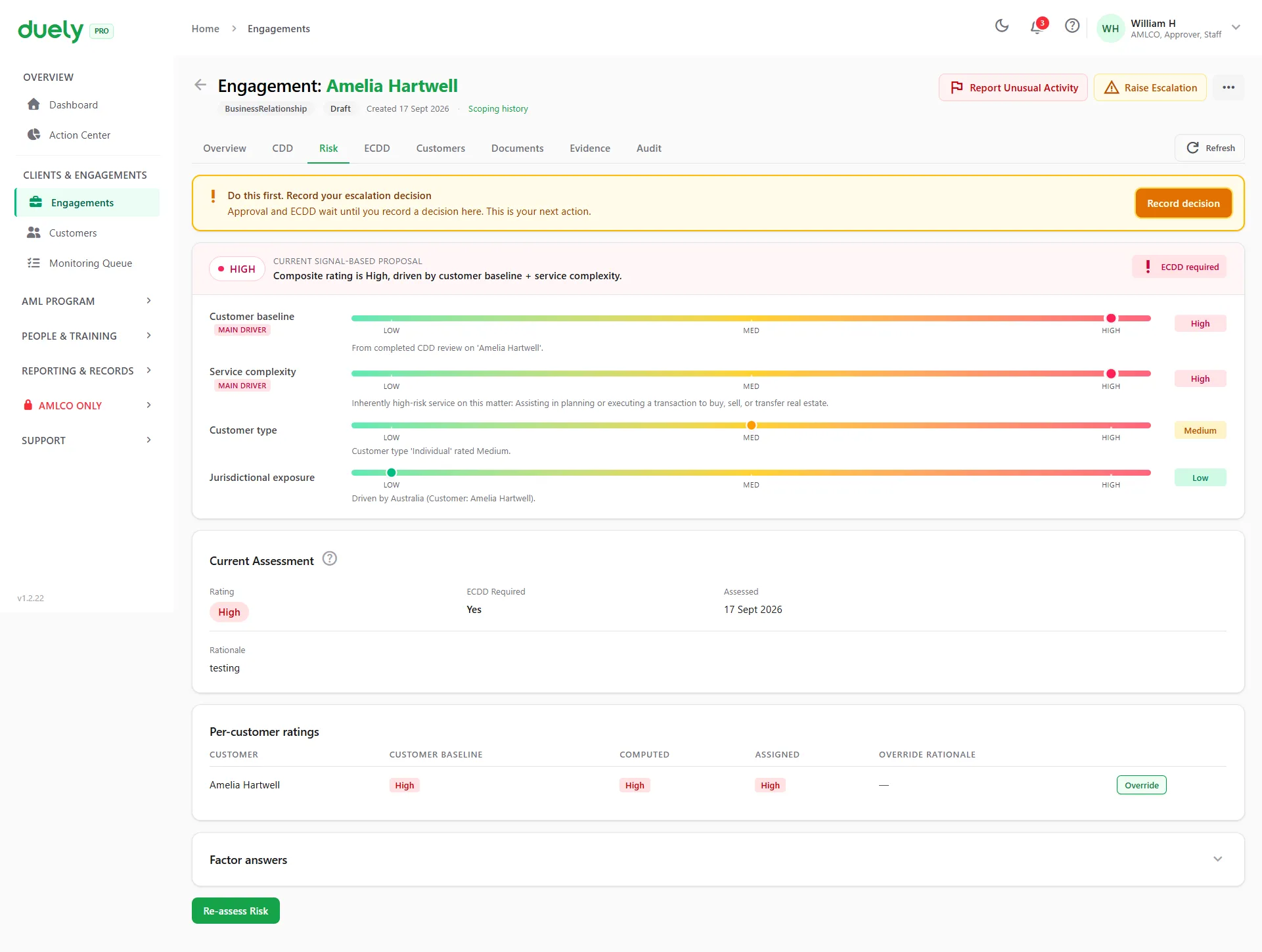
- duely rates each customer from the answers, and the engagement takes the highest customer rating.
- Enhanced due diligence opens if the rating is High, and also for a PEP answer, a confirmed sanctions hit or a failed identity verification. It covers source of funds and source of wealth, with documents attached, and an approver signs it off.
Kept on record
Answers to the risk questions · Calculated rating and its drivers · ECDD case, documents and decision (when ECDD opens)
Sample data. See the full walkthrough
Approve and conclude
An approver signs off before the work goes ahead.
Staff and an approver
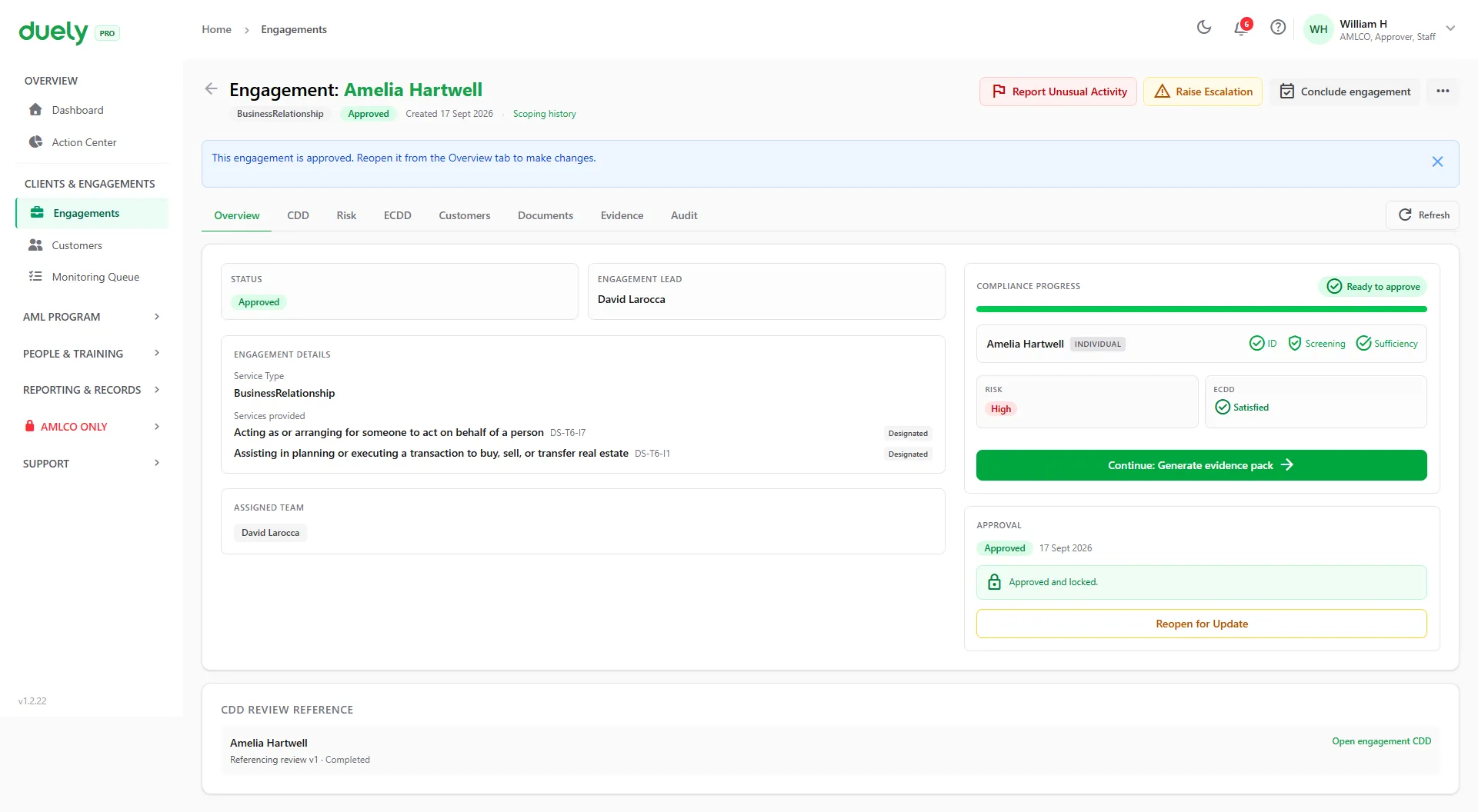
- Request approval. An approver (the AMLCO, or a user with the Approver role) reviews the engagement, and once approved it is live. Every engagement goes through approval. For one with no designated service, the approval signs off the scoping decision.
- Generate the evidence pack when you need it: a versioned PDF with a SHA-256 hash, so a later change is detectable.
- Conclude the engagement when the work is finished. This sets the retention anchor date and frees a flex customer slot. Included slots are one-time use.
Kept on record
Approval, approver and timestamp · Versioned, hashed evidence pack · Retention anchor
Sample data. See the full walkthrough
What your customer sees
The whole check runs on their own phone, from a link you send. These are the real screens.
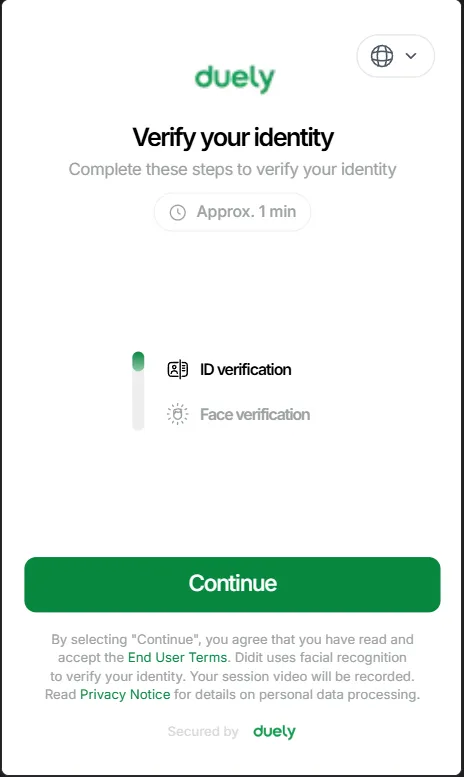
1Open the link
Two parts, an ID check and a face check. About a minute.
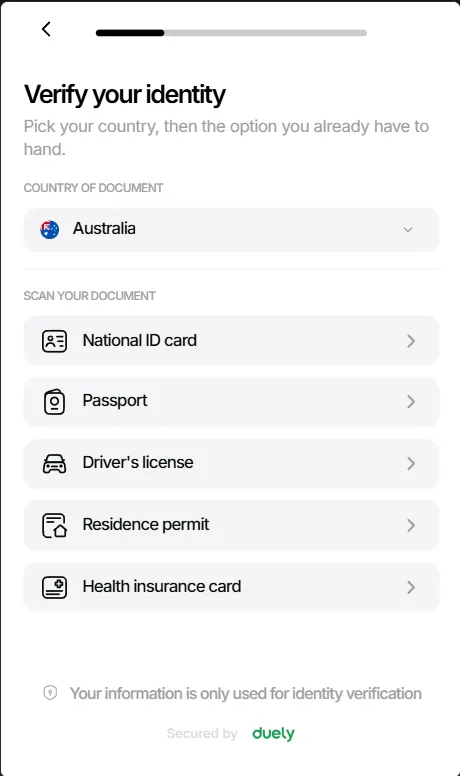
2Choose a document
Pick the country, then the document they have to hand.
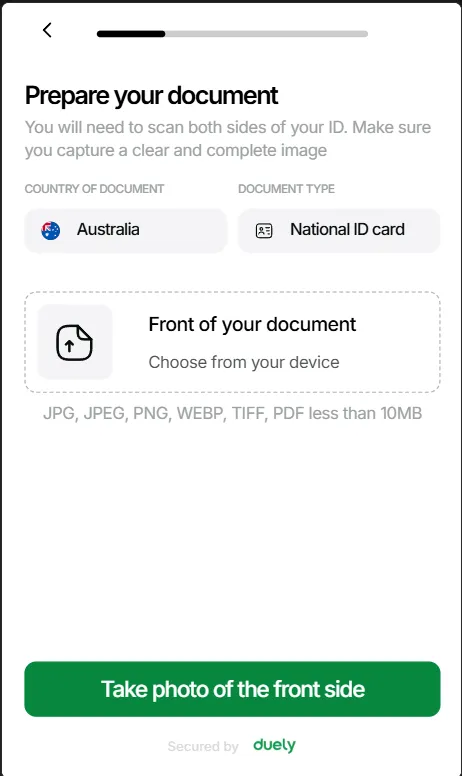
3Prepare the document
Upload a file, or take a photo of each side.
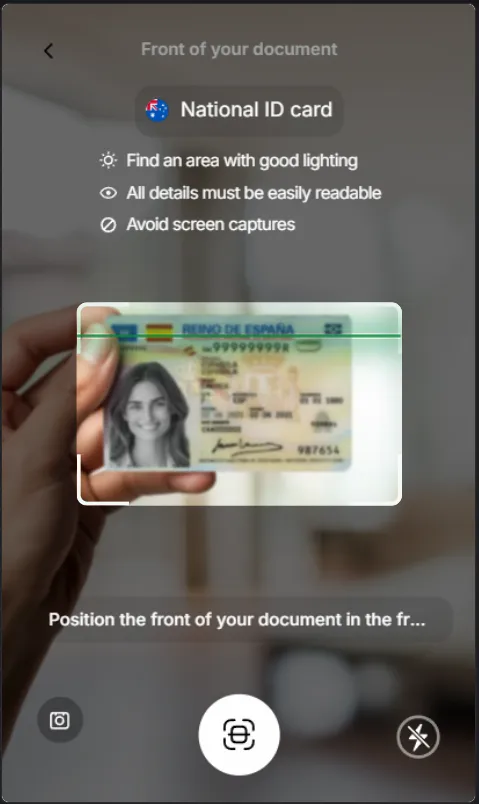
4Scan the ID
Guided capture, with a prompt to avoid screen captures.
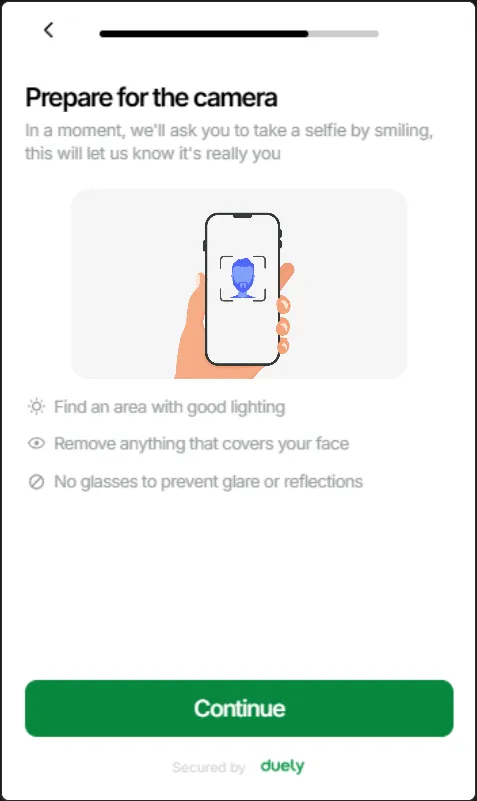
5Get ready for the selfie
A short prompt before the camera opens.

6Take a selfie
A face check confirms it is really them.
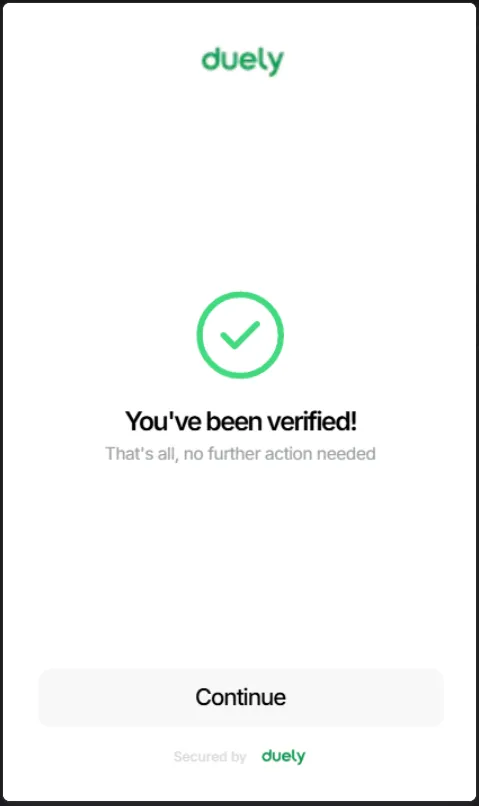
7Verified
The result lands on the customer's record.
Available at any point
These sit outside the four stages, so staff can use them whenever they are needed.
-
Request documents
Ask a customer for a document through the portal at any stage. They upload it from a link and it lands on their record.
-
Record a threshold transaction report
When physical cash of $10,000 or more is involved, capture a draft threshold transaction report (TTR) against the engagement, and record the AUSTRAC submission reference once it is lodged outside duely.
-
Report unusual activity
Any staff member can raise it. It goes to the AMLCO, who decides whether to file a suspicious matter report (SMR) and exports it as an AUSTRAC SMR 3.0 XML file. Staff never see the decision.
Follow a sample customer through each stage
Real product screens, with sample data.
Set up duely for your firm
Start with your AML/CTF program and your first customer, or check what duely would cost your firm first.